


The entire board meeting cycle, with AI, in a single workspace
Plan the year, prepare every meeting, record decisions, and finalize the minutes without switching tools. Atlas Gov brings these steps together in a governance workspace, with an AI that knows your organization. AI prepares, records, and drafts. The decision stays with you.
 30 days free
 No credit card required
 24/7 support

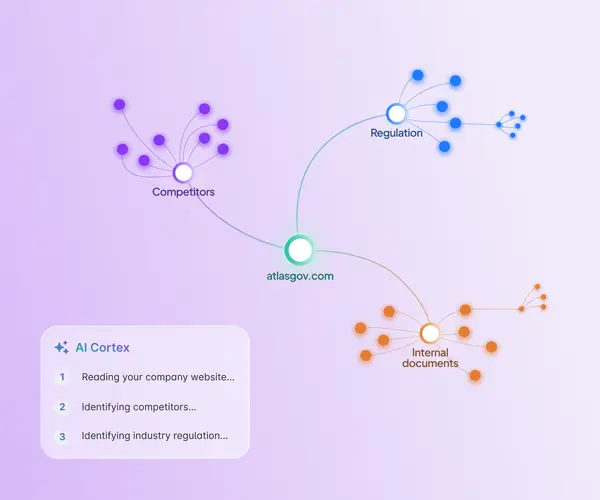
AI that knows your organization
Generic AI gives the same answer to every company. AI Cortex changes that: just enter your organization’s website, and it builds the company profile, identifies the industry and competitors, and suggests the applicable regulations on its own. That foundation powers the other AIs in Atlas Gov, so answers, minutes, and agendas reflect your organization’s context and feel tailored to it. Everything is editable and auditable, and you choose which boards and committees use that context.
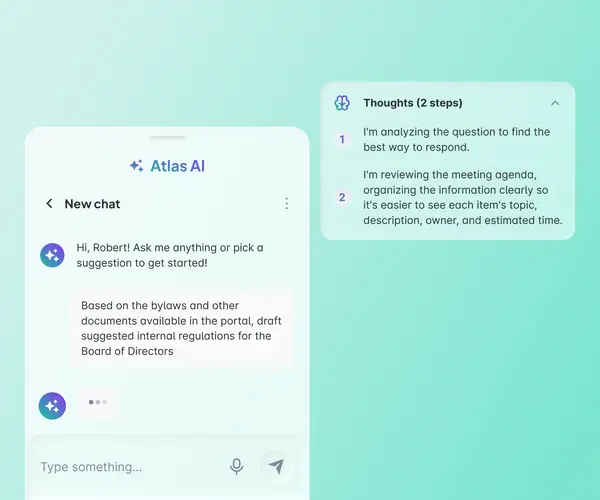
The AI copilot built for governance
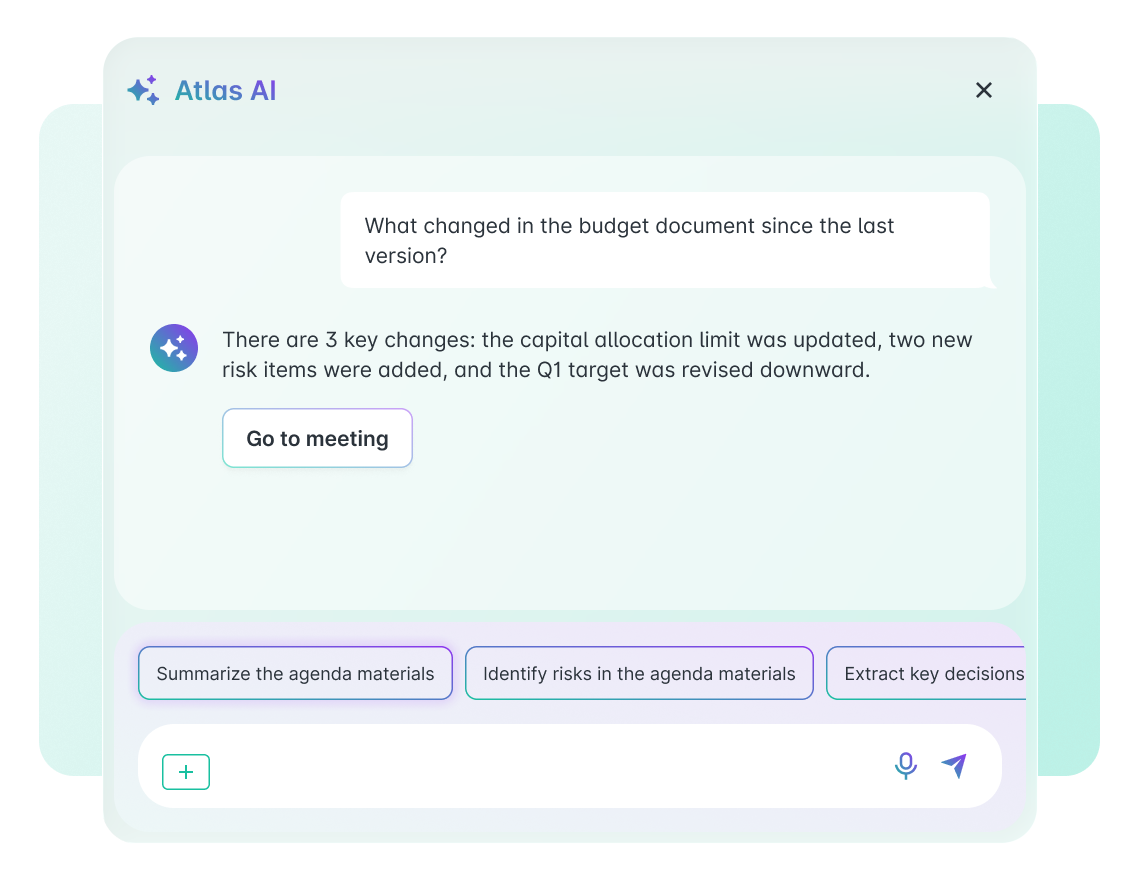
Insights is the Atlas Gov AI agent specialized in governance. It supports boards and committees in preparing for, running, and reviewing meetings, producing formal documents, and searching governance history. Everything happens in the portal: your data does not train public models and respects each profile’s permissions. With AI Cortex, answers reflect your company’s rules and are far more precise.
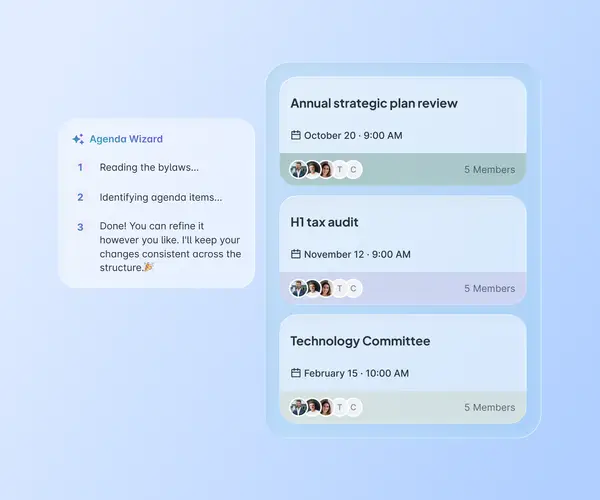
The annual board agenda, suggested by AI
Planning the board’s year no longer starts in a spreadsheet. Agenda Wizard uses the organizational context gathered in AI Cortex to suggest the year’s strategic and regulatory topics, sequence the meetings, and structure recurring items. You adjust, approve, and publish. AI proposes; the board decides what goes in, what comes out, and at which meeting.
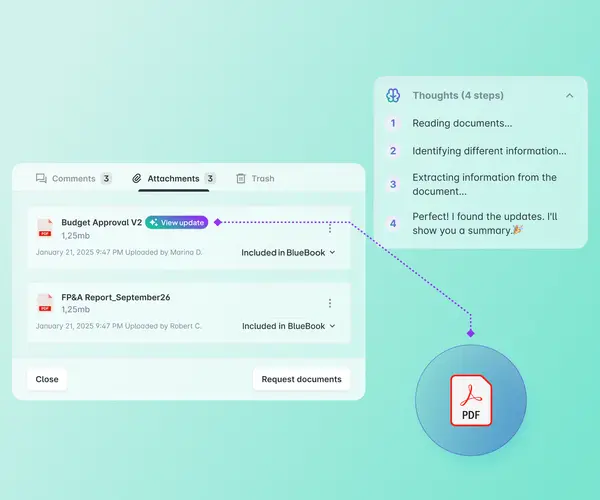
Two versions of the same attachment: see exactly what changed
When a new version of a document is added to the same agenda item, AI compares the files and shows what was added, removed, or changed. The comparison happens within the meeting flow, right where the board member is already reading the material. No one has to reread the entire document, and there is less risk of missing a relevant change.
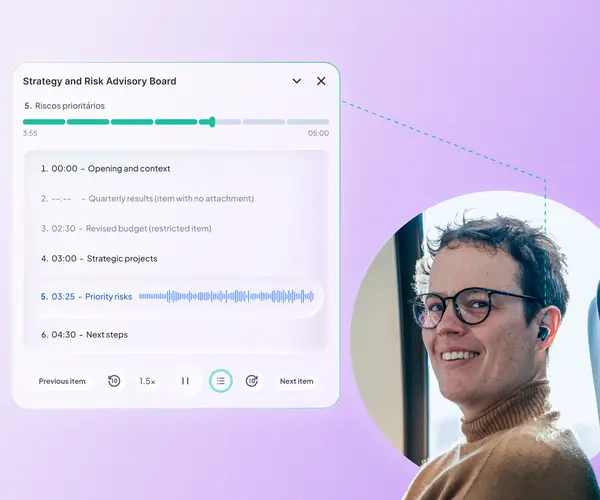
Your next meeting’s materials as a podcast
Before the meeting, AI reads the agenda documents and turns the essentials into a podcast, with one chapter per agenda item. You can skip ahead, pause, or change the speed, on your computer or phone, from anywhere. The audio plays in your account language and covers only that meeting’s materials.
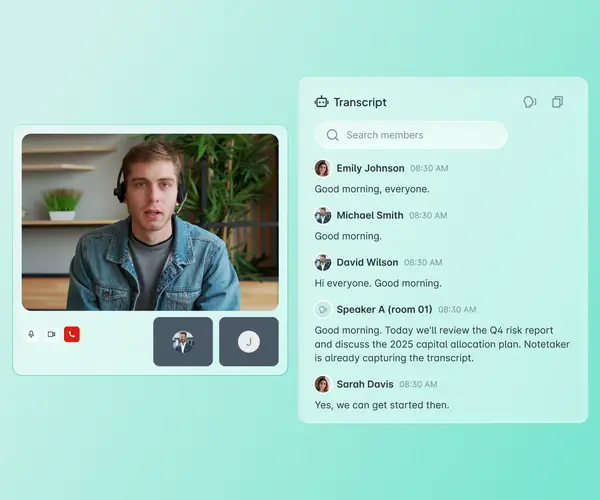
The meeting transcribed, with decisions and tasks recorded in the portal
Notetaker joins scheduled meetings on Teams, Google Meet, or Zoom automatically. It transcribes the conversation, identifies who spoke, and, at the end, generates a summary, decisions, tasks, owners, and next steps. What sets it apart is that nothing is recorded: only the transcript remains, with full access control.
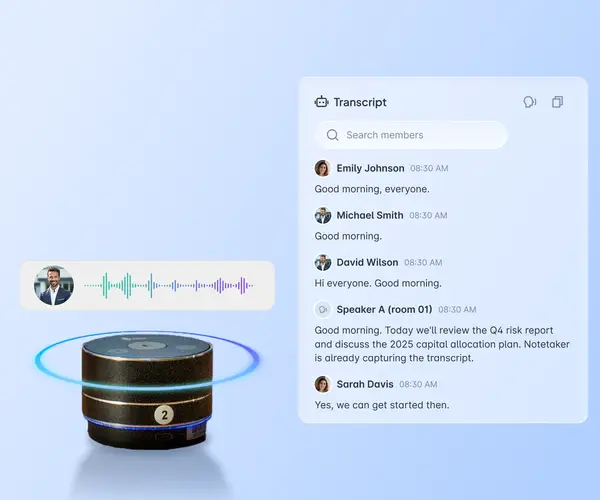
The physical meeting room, at the same standard as video calls
In-person and hybrid meetings tend to fall outside the transcript. Echonote is the device that captures the audio from the table and sends it to the same Notetaker flow. The result is the same as in virtual meetings, even when part of the board is in the room and part is on the call. Governance no longer has two recording standards.
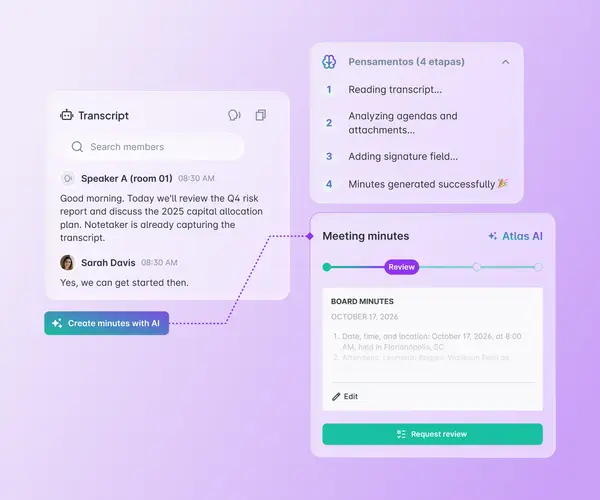
From transcript to minutes , with collaborative review in one place
AI structures the minutes from what was said in the meeting and from the agenda materials. With AI Cortex configured, the text is born in your company’s format and standard. During review, each participant comments directly on the minutes, and comments stay hidden until consolidation so that no one anchors on someone else’s opinion. AI suggests how to resolve each comment. Then the minutes move to publication and signature without leaving Atlas Gov. Less manual work, more traceability.
AI at every stage of the governance cycle
Before the meeting
Plan the year and arrive prepared in minutes.
Agenda Wizard delivers an annual board agenda proposal, suggested by AI and ready for review.
Insights answers your questions about agenda materials and board history in seconds, by text or voice.
Compare shows what changed between versions of the same attachment, with no need to reread the file.
Meeting Cast turns meeting materials into audio, split by agenda item, so you can listen anywhere.

“The implementation process for the Atlas Portal was extremely easy, thanks to the simplicity of access and use of the software. We always had readily available and helpful support to assist with any needs.”

Trusted by leaders elevating governance excellence
Hear from Corporate Secretaries and Board Directors who use Atlas Gov every day


Trusted by 750+ organizations and 25.000+ governance professionals worldwide.


